Every email distilled
Read your whole morning in thirty seconds. Each message is distilled to what actually matters.
AI POWERED EMAIL INBOX
HELM reads your email so you read less of it. Distilled summaries, smart replies drafted for your approval, deadlines lifted into tasks, all using AI.THE CLUTTER, FILED QUIETLY AWAY.
Names, contact details and financial or ID numbers are masked before a single word reaches the model.
Your mail is read once to do the work, then forgotten. It never trains any model.
HELM never moves, sends or deletes anything in your real inbox without your say-so.
Every reply waits for your approval. Nothing is ever sent on its own.
THE SHIP’S LOG · 01-04
Read your whole morning in thirty seconds. Each message is distilled to what actually matters.
Replies written in your tone, parked for your approval. Nothing sends until you say so, you remain the signature.
Deadlines buried in paragraphs are lifted into a task list with dates, owners, and the source thread attached.
Bank alerts, receipts and promotions filed quietly out of view. Findable when needed, invisible when not.
PRIVACY, BY DESIGN
Personal details we can detect (names, addresses, and financial or ID numbers) are masked before anything reaches the model, and each message is read once, then forgotten. HELM never moves, sends, or deletes anything in your real inbox without your explicit approval.
CONNECT YOUR INBOX
Choose your provider. Each walk-through takes under ten steps.
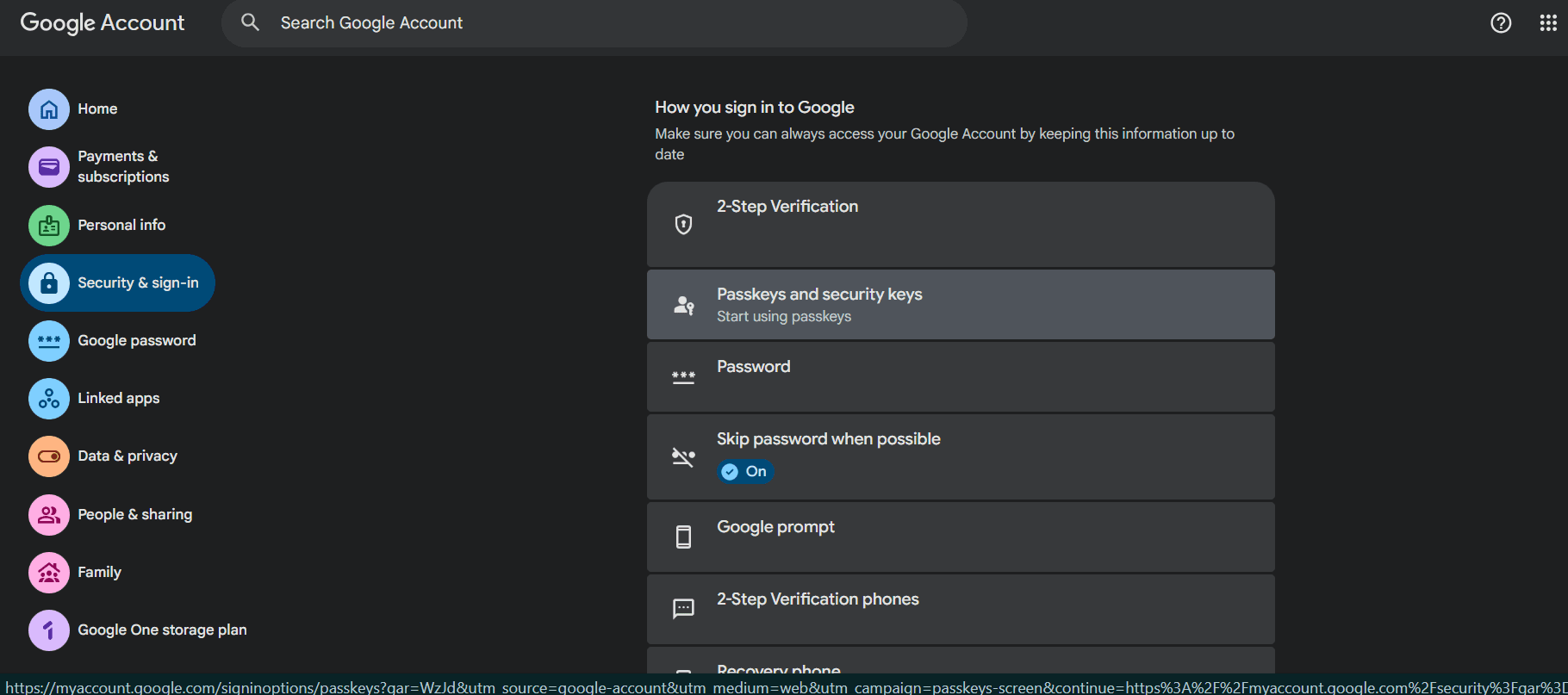
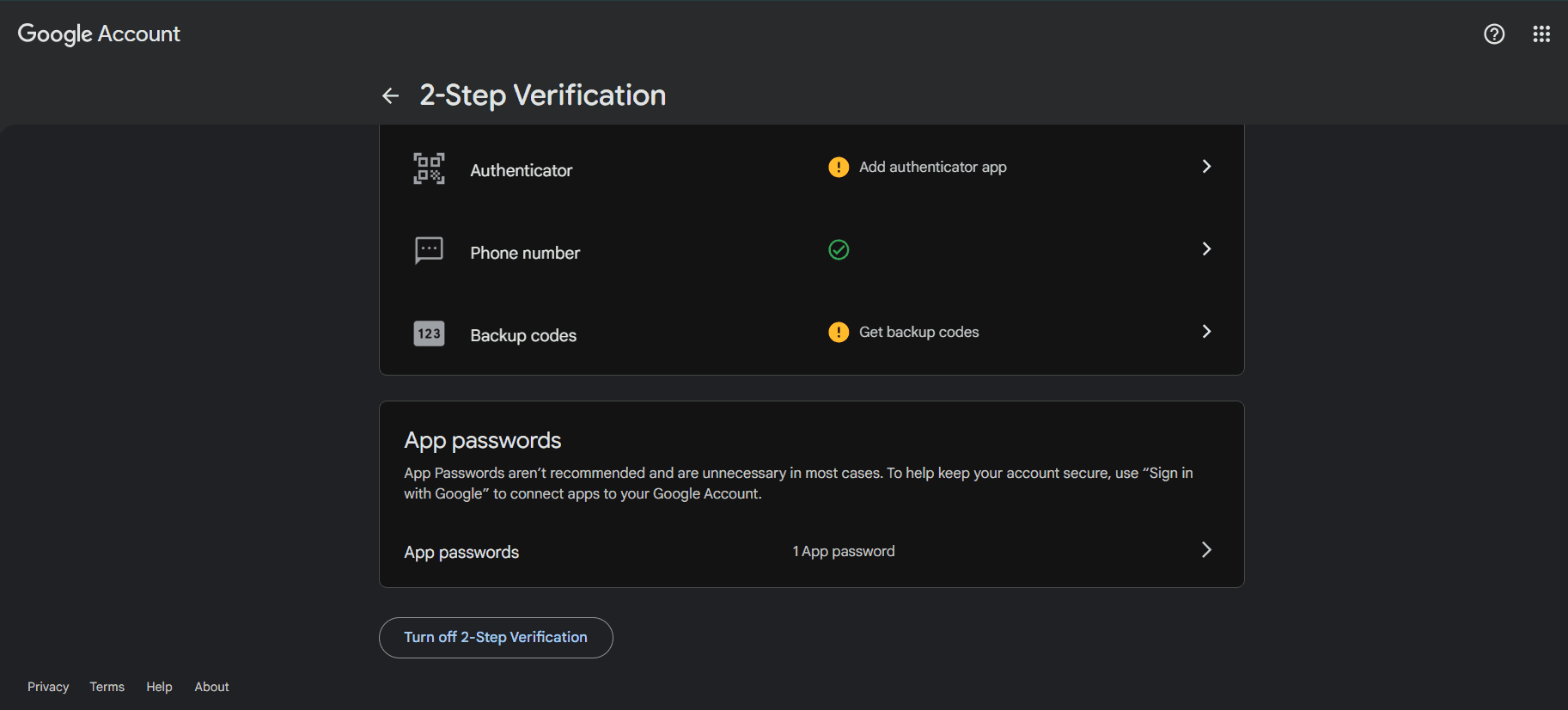
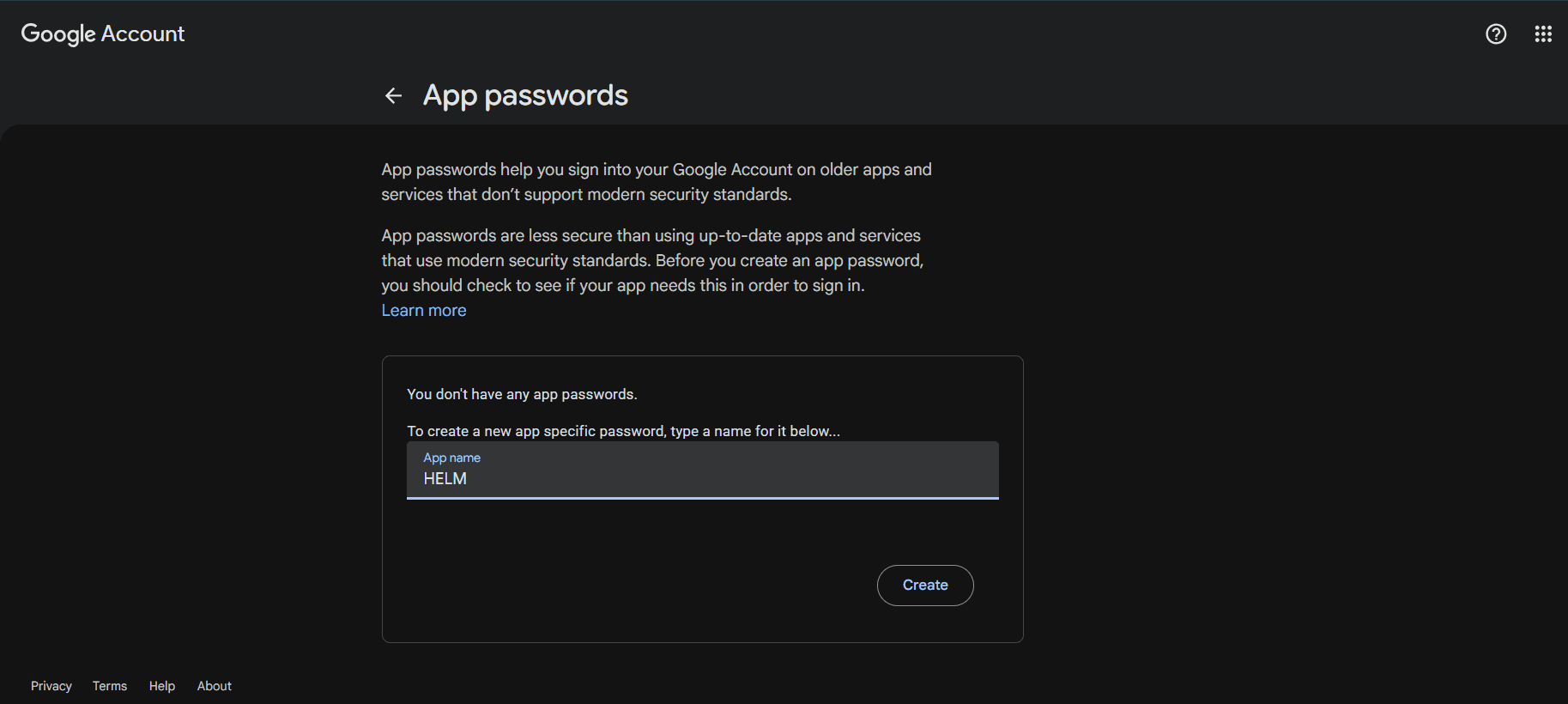
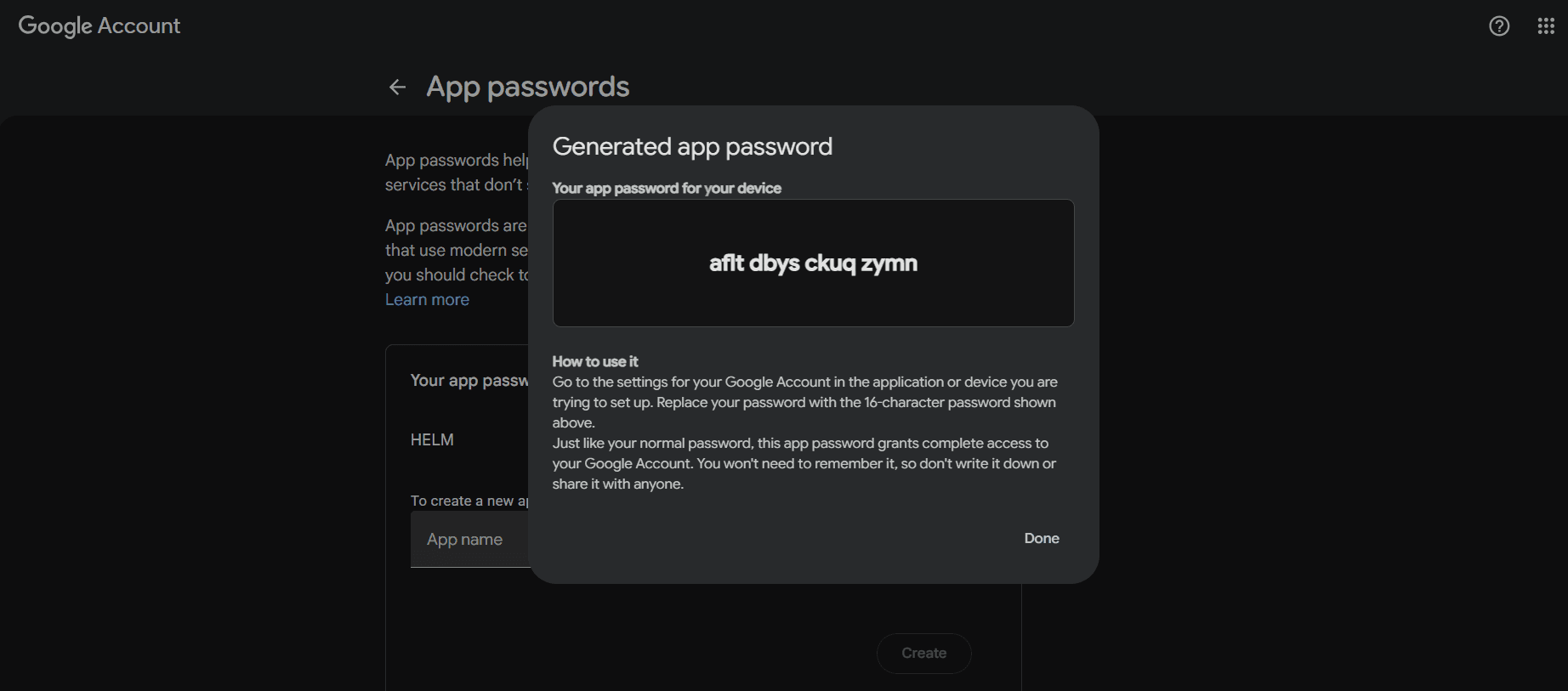
Requires 2-Step Verification enabled on your Google account
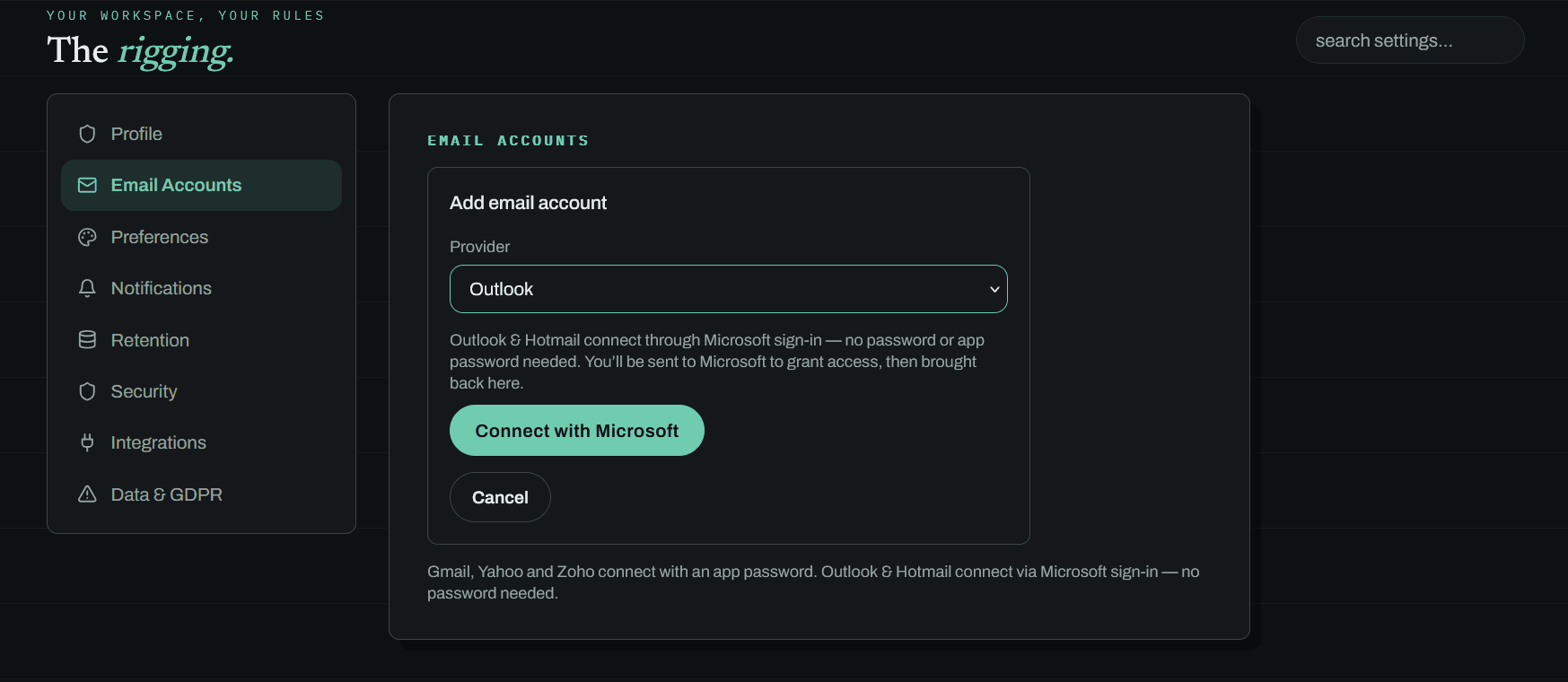
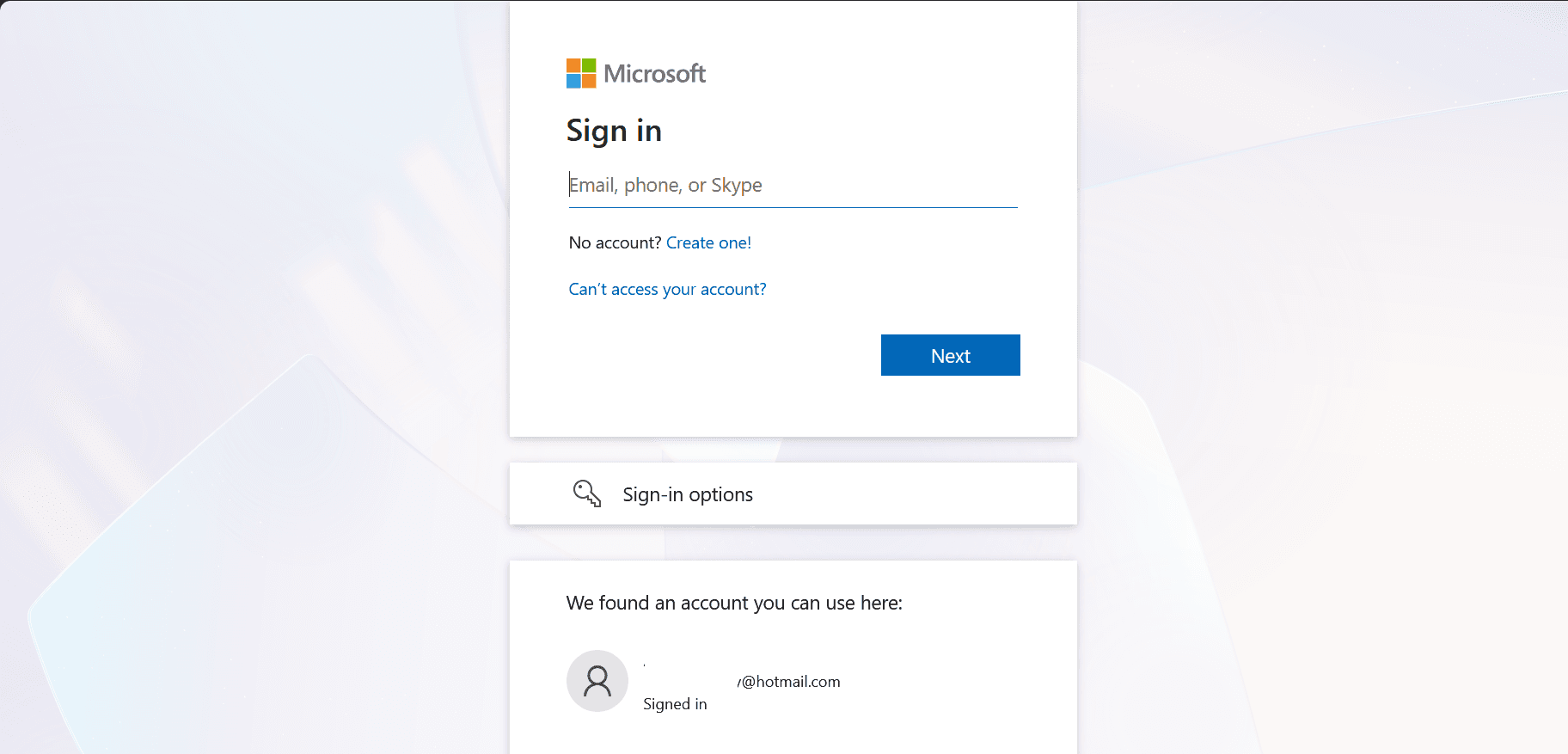
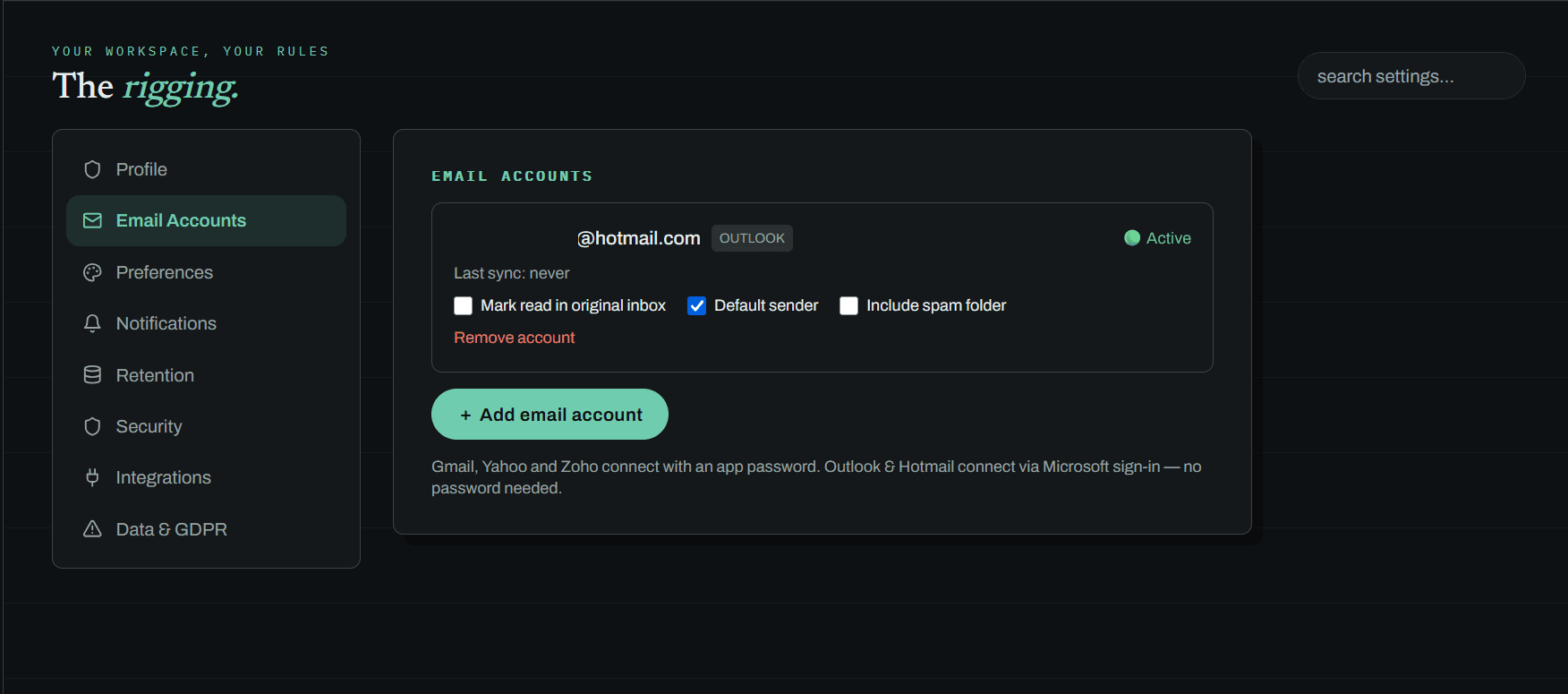
Personal accounts only (Hotmail, Outlook.com, Live)
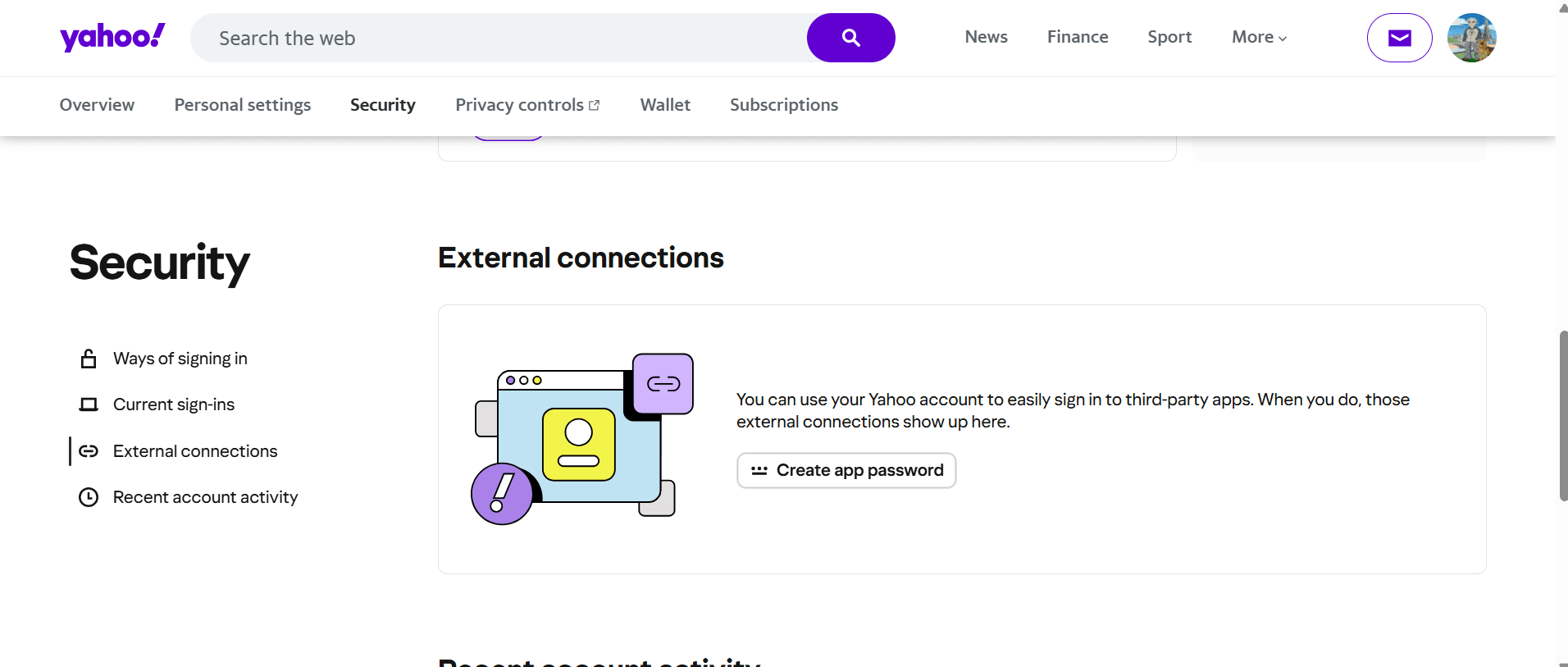
Requires 2-Step Verification enabled on your Yahoo account
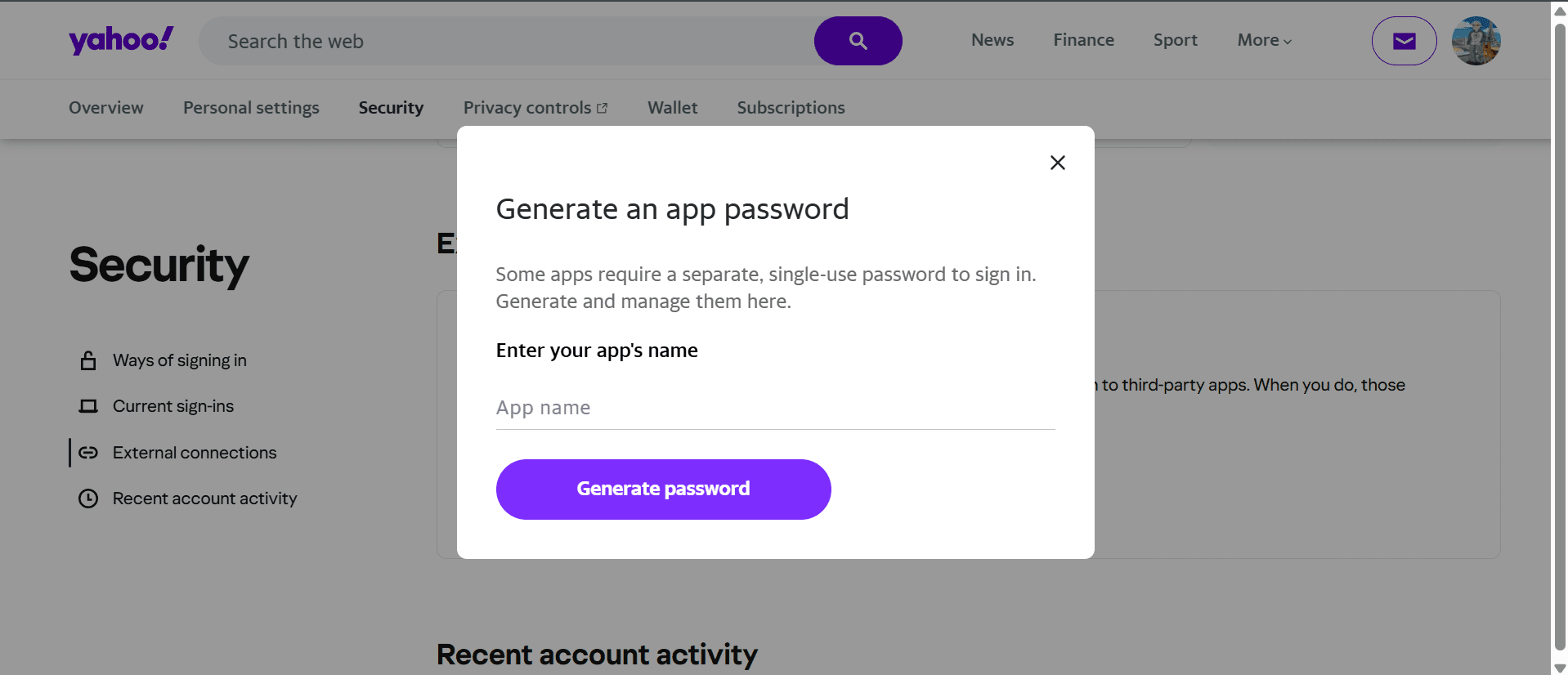
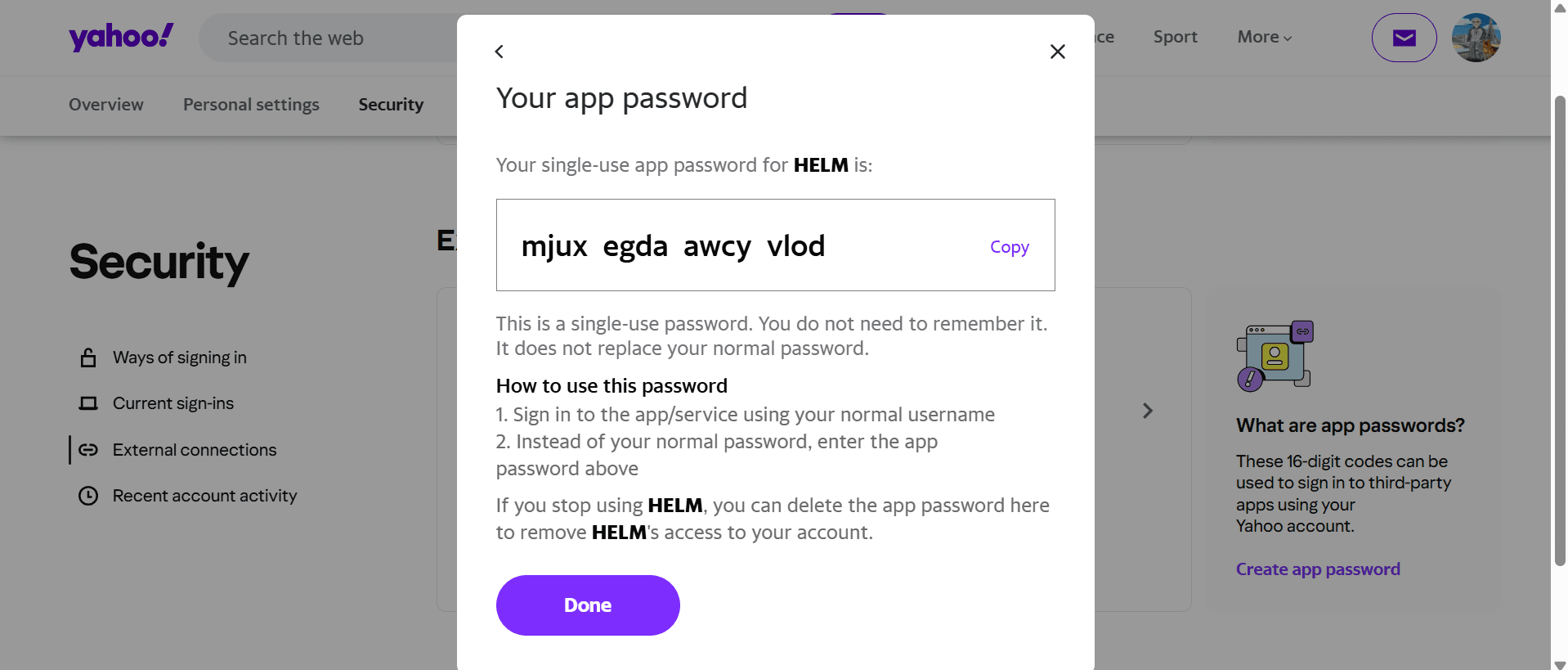
Enable IMAP in your Zoho Mail settings first (free plan works)
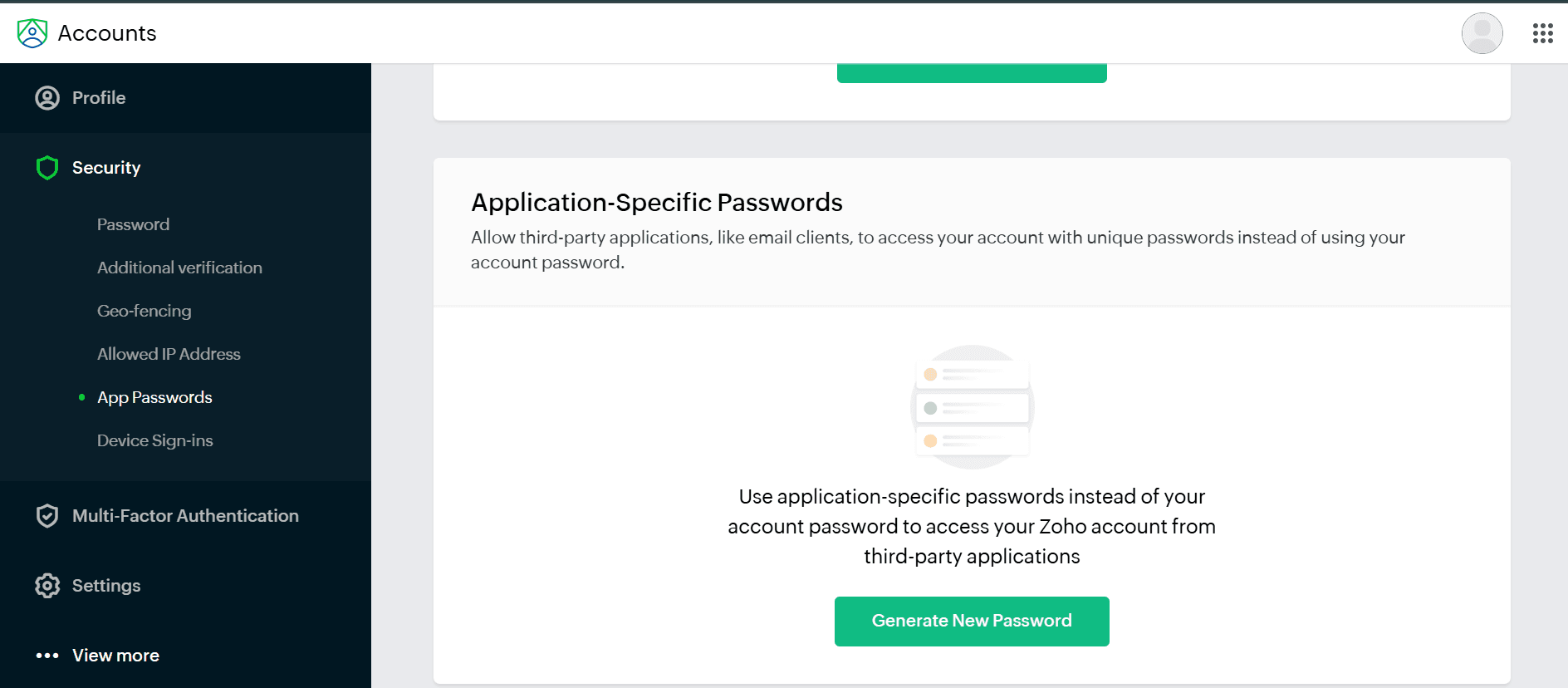
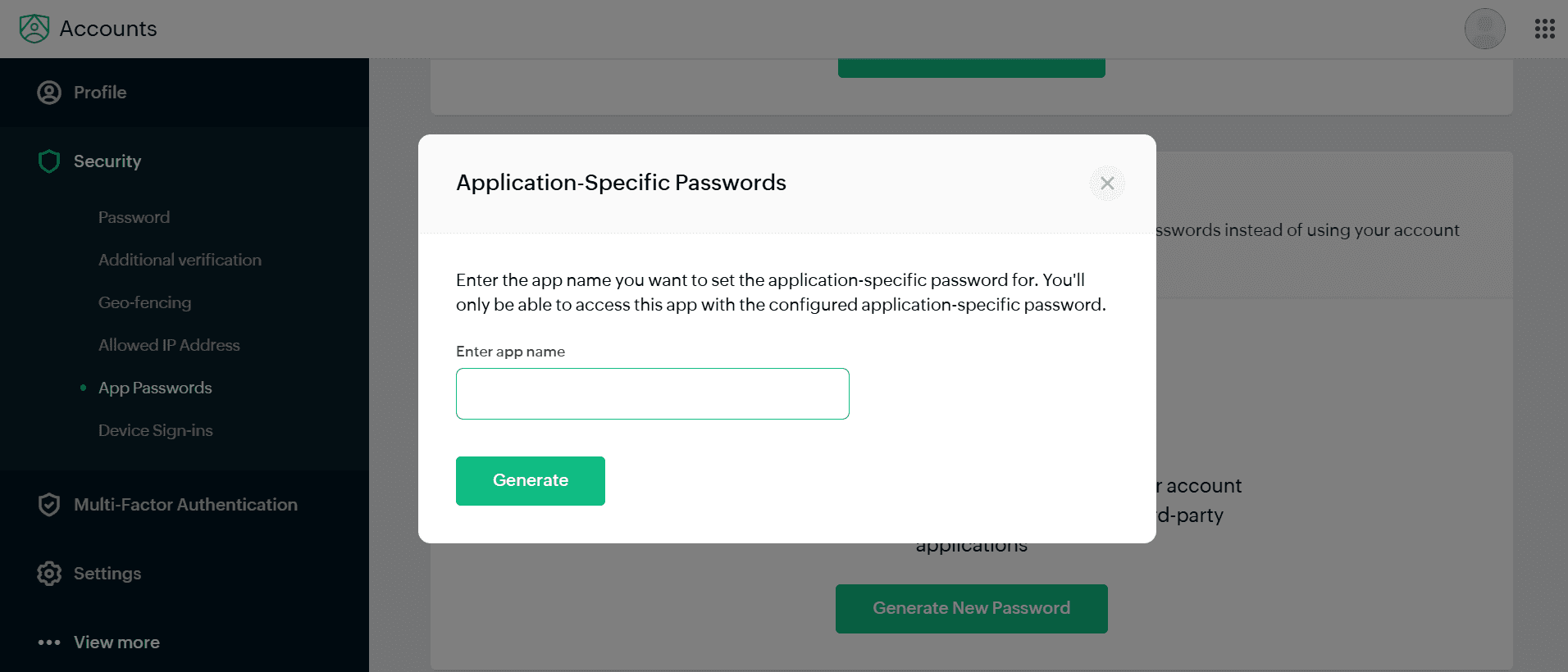
🔒 Credentials are AES-256-GCM encrypted. HELM never stores your password in plaintext.
MODES
Your own inbox, handled. Summaries, ready-to-send drafts and tasks from every email. Up to 5 accounts, one workspace.
Book a call →Team workstations with roles, approvals, routing and audit trails. Your whole team’s email, organised and accountable.
Join the waitlist →Let your inbox negotiate your next brand deal. Collabs, sponsorships and rate cards, handled while you create.
Join the waitlist →PRICING · PERSONAL
Save fifteen minutes a day and Pro has already covered its cost (if your time is worth more than $3.64 an hour). Fifteen minutes is a deliberately conservative estimate.
No setting anything up on your own. Book a call and we do it with you, inbox connected and working before the call is over. Worst case, you go back with a clear no.
TALK TO THE MAKERS
Pick a time below and someone on the team will walk you through it, ensuring you can maximise HELM to suit your needs.
Loading the calendar…
FAQ
HELM is a privacy-first AI email assistant. It reads the inboxes you connect and produces short summaries, drafts replies for your approval, and turns deadlines buried in emails into tasks, so you read less email and miss nothing.
Before any message reaches an AI model, HELM runs a best-effort de-identification pass that detects personal details (names, email addresses, phone numbers, organisations, and card, bank or government ID numbers) and replaces them with placeholder tokens. The AI works on that masked version rather than your raw message, and your email is never used to train AI models. No automated system catches everything, so we treat this as a strong safeguard, not a guarantee.
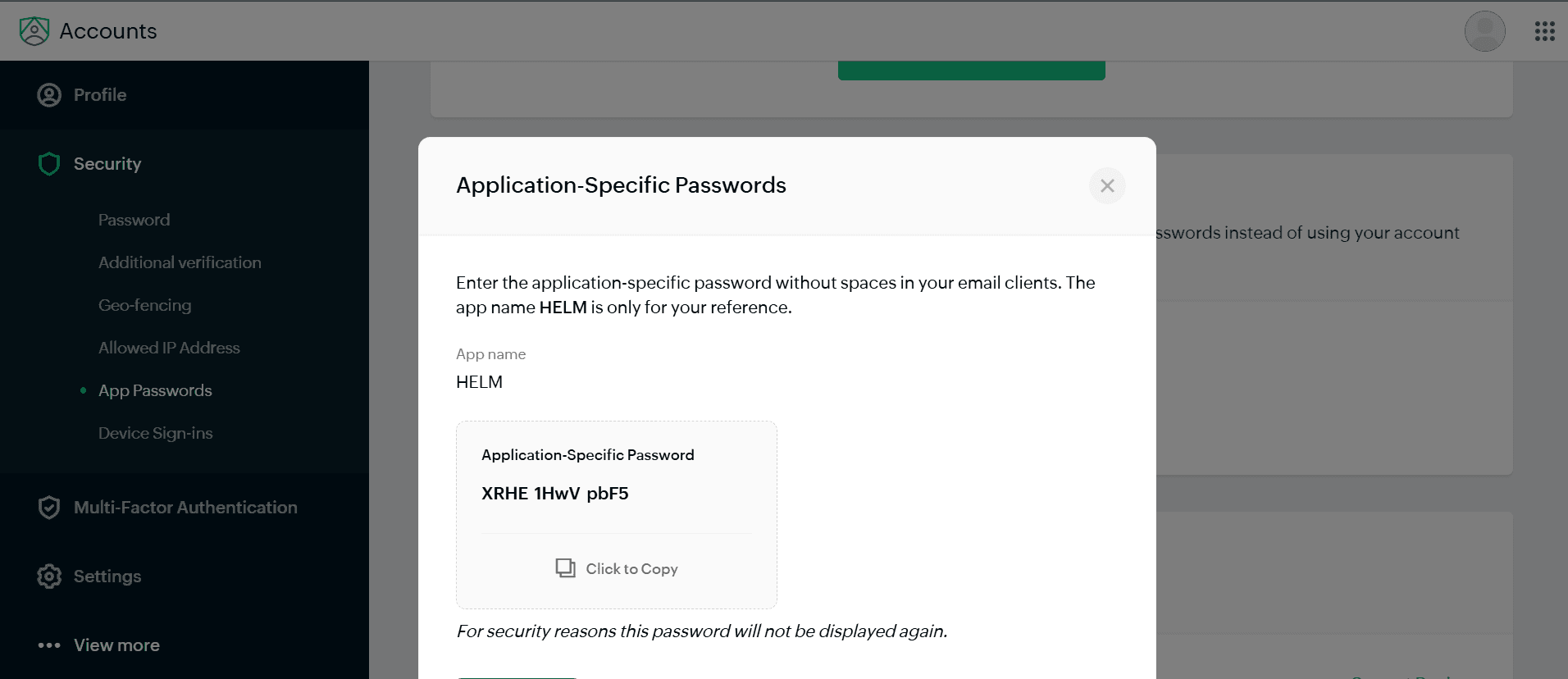
Gmail, Outlook and Hotmail, Yahoo, Zoho, and any mailbox that supports IMAP. Outlook and Gmail connect with secure sign-in or an app password.
No. HELM is read-only by default. It writes draft replies and waits for your approval. Nothing is sent, moved, or deleted in your real inbox without you.
HELM has a free plan. Pro is $20 per month and Max is $39 per month, with higher inbox and daily AI limits.
Pro pays for itself if an hour of your time is worth more than $3.64. Here is the arithmetic. Pro costs $20 a month, and saving 15 minutes a day across 22 working days hands back 5.5 hours, which puts the break-even at $3.64 an hour. Save 30 minutes a day and it drops to $1.82 an hour. Save an hour a day and it drops to 91 cents. Read the other way: value your time at $20 an hour, which is roughly $41,600 a year and below most entry-level salaries, and those same savings are worth $110, $220 and $440 a month against a $20 bill. Over a year, an hour a day adds up to 264 hours, or about 6.6 working weeks returned to you. Max, at $39 a month, breaks even at $7.09 an hour on the same 15-minute estimate.
No. Only de-identified, tokenised content is ever sent for processing, and under our AI-provider terms that content is never used to train their models.